
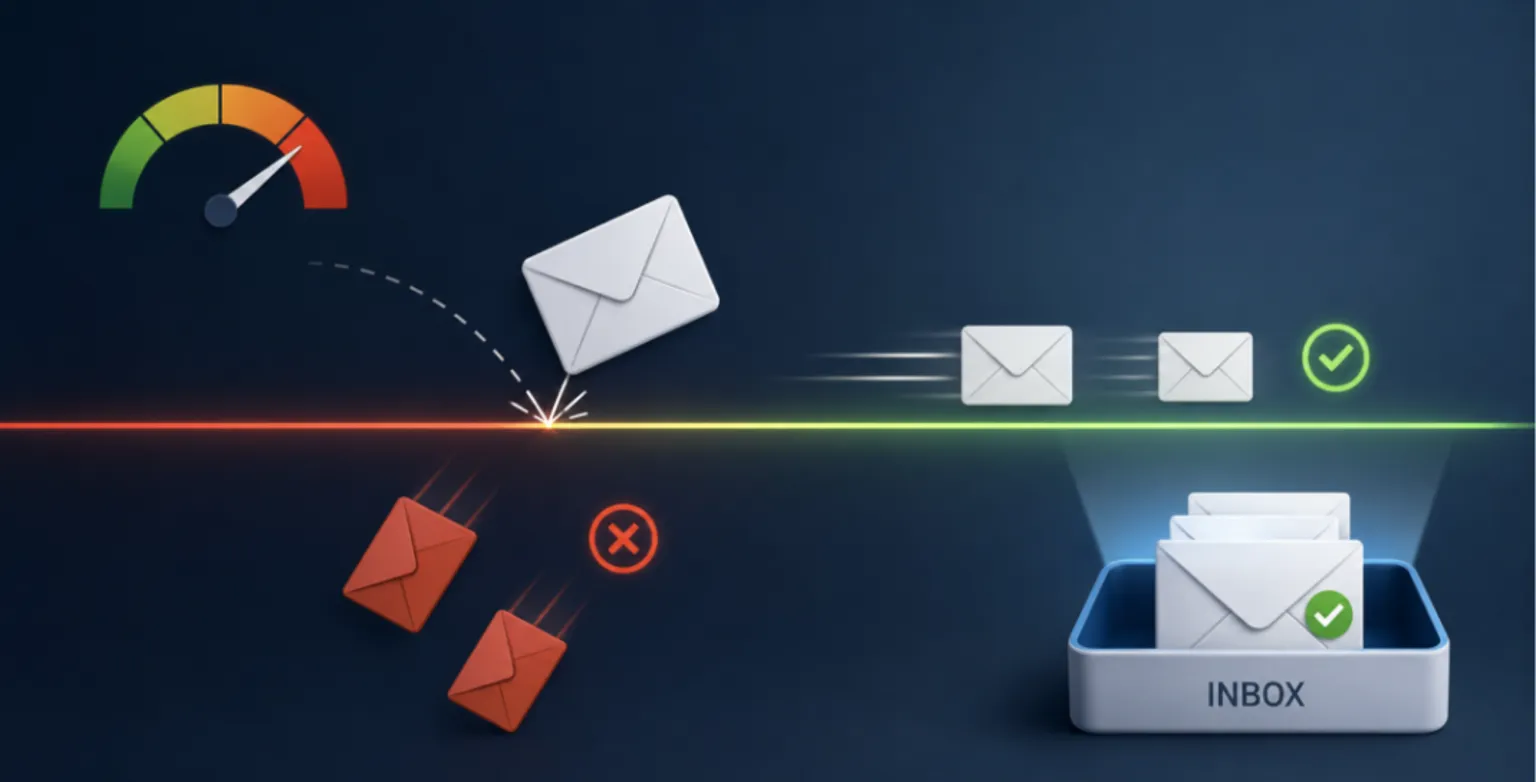
A bounce rate above 2% pushes mailbox providers to throttle your sending, and above 5% it can get your domain blacklisted. The fastest way to reduce email bounce rate and protect sender reputation is to verify addresses before you send: clean your existing list in bulk, then validate new emails in real time at the point of capture. Verification costs about $1.29 per 1,000 checks at 100K volume, far less than the deliverability you lose when bounces pile up.
If your open rates have slipped, your campaigns are landing in spam, or a chunk of your sends are vanishing without explanation, the cause is often sitting in plain view inside your bounce report. This guide breaks down how bounces damage your reputation, what the current thresholds actually are, and how to fix the problem at the source.
What is email bounce rate?
Email bounce rate is the percentage of messages that fail to reach the recipient's mailbox and get returned to the sender. You calculate it by dividing bounced emails by total emails sent, then multiplying by 100. A hard bounce means the address is permanently invalid. A soft bounce means a temporary issue, such as a full inbox or a server that is down. Our hard vs soft bounce classification guide maps each SMTP code.
Hard bounces are the dangerous ones. They tell mailbox providers you are sending to addresses that do not exist, which is exactly the pattern spammers produce when they blast purchased or scraped lists.
What counts as a good bounce rate in 2026?
Most deliverability teams treat anything under 2% as healthy. Selzy's 2024 industry benchmark research put the average bounce rate at 1.98%, so the typical sender is already sitting right at the edge of acceptable. Here is how the tiers break down:
| Bounce rate | Status | What happens to your sending |
|---|---|---|
| Under 1% | Excellent | Strong reputation, full inbox placement |
| 1% to 2% | Acceptable | Healthy, but worth monitoring |
| 2% to 5% | Concerning | Providers may begin throttling delivery |
| Above 5% | Dangerous | Risk of blacklisting and reputation damage |
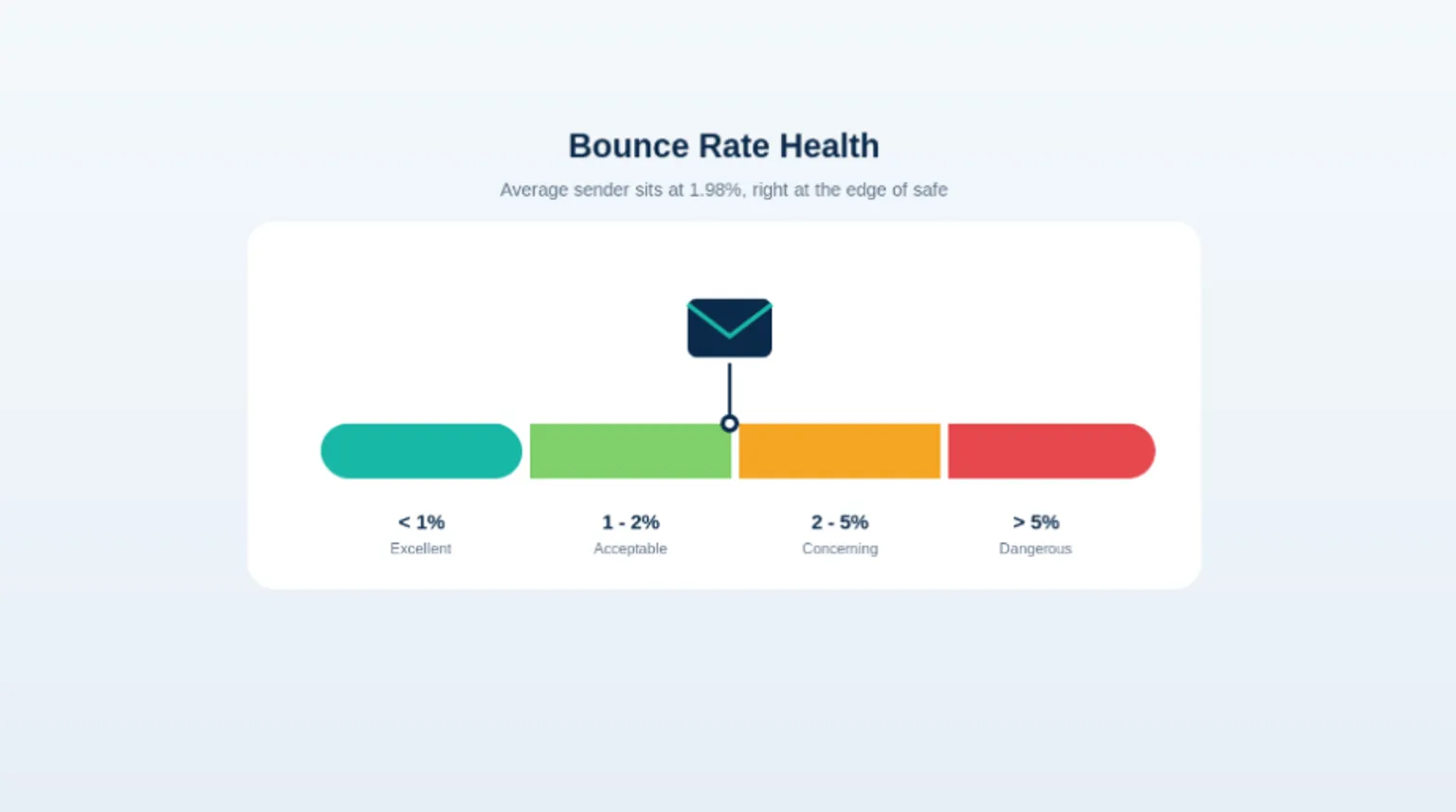
When your bounce rate crosses 2%, ISPs may start throttling your email delivery. If it climbs above 5%, you risk being blacklisted, according to deliverability benchmark data compiled by Verified.email. Google's own Postmaster documentation tells senders to cut sending volume when bounce or deferral errors rise, so the throttling is not a guess. It is documented provider behavior.
How bounces destroy sender reputation
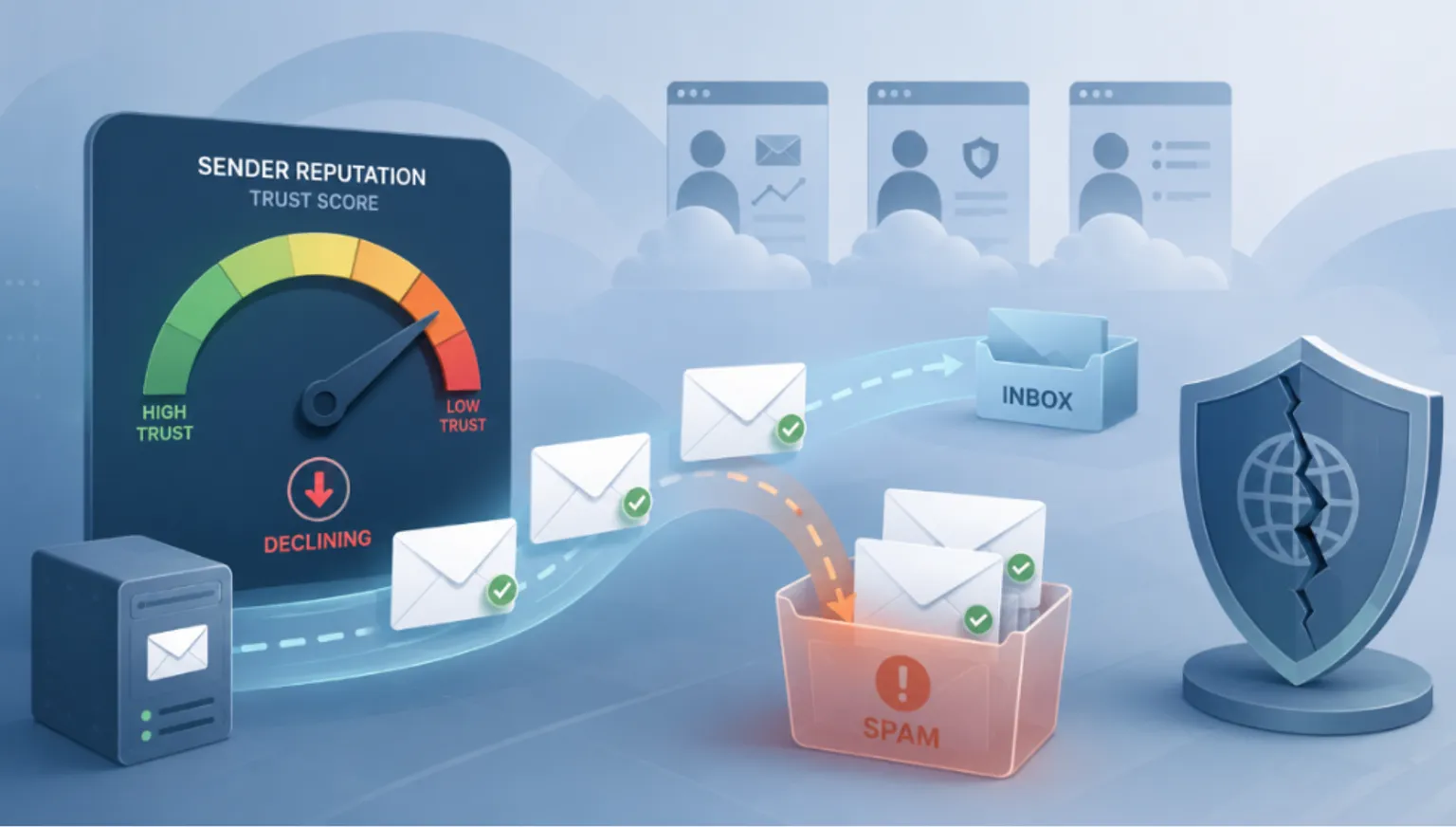
Your sender reputation is a trust score that mailbox providers assign to your sending domain and IP. A high bounce rate is one of the loudest negative signals you can send. Every hard bounce tells Gmail, Yahoo, Outlook, and the rest that you either bought your list, failed to clean it, or are not paying attention to data quality. All three are red flags. For the full scoring picture, see the signals that shape email sender reputation.
The stakes climbed sharply in 2024. Since February 1, 2024, Google and Yahoo have enforced new rules for bulk senders, defined as anyone sending more than 5,000 messages per day. The headline requirement is a spam complaint rate below 0.3%, with Yahoo recommending you stay under 0.1%. Hit three spam complaints per 1,000 emails and you are already at the ceiling. Bounces and complaints travel together: a dirty list that bounces heavily also tends to generate complaints, because invalid and recycled addresses often turn into spam traps.
Once your reputation drops, the damage compounds. Good emails to valid customers start landing in spam. Inbox placement falls. Research cited in industry deliverability reporting found that organizations sending over 1 million emails monthly saw inbox placement decline by 22.35 percentage points when they did not verify their lists. That is not a rounding error. That is a quarter of your audience going dark.
The real cost of a dirty list
Bad data is expensive in ways that do not show up on your email invoice. Gartner research found that poor data quality costs organizations an average of $12.9 million per year. For a single email program, the math is more concrete: a business sending 100,000 emails per month at a 4% bounce rate wastes 4,000 sends every month, and if each email carries $0.10 of revenue potential, that is $400 per month in directly missed revenue before you count the reputation damage.
Now compare that to the fix. Verifying those same 100,000 addresses at roughly $1.29 per 1,000 emails ($129 on MailValid's 100K Plus plan) costs about $129. You spend $129 to protect a list whose dirty fraction is already burning $400 a month and dragging down every future campaign. The return is not subtle.
Why bounces happen in the first place
Bounces are a data quality problem long before they are a deliverability problem. The most common sources:
- Typos at signup. Real people fumble their own addresses. "gmial.com" and missing letters are everywhere in raw signup data.
- Disposable and temporary addresses. Users hand over throwaway inboxes to grab a lead magnet, then never check them again.
- Stale CRM data. People change jobs and abandon old work addresses. B2B lists rot at roughly 22% to 30% per year.
- Purchased or scraped lists. These carry the worst data quality and the highest spam trap risk.
- Role and catch-all addresses. info@, sales@, and catch-all domains are unpredictable and often unmonitored.
You cannot write your way out of these with better subject lines. The addresses are wrong. The only durable fix is to stop letting bad addresses into your sending stream.
How to reduce email bounce rate at the source
The pattern that works is verification in two places: a one-time bulk clean of what you already have, and ongoing real-time checks on everything new.
Step 1: Run a bulk verification on your existing list
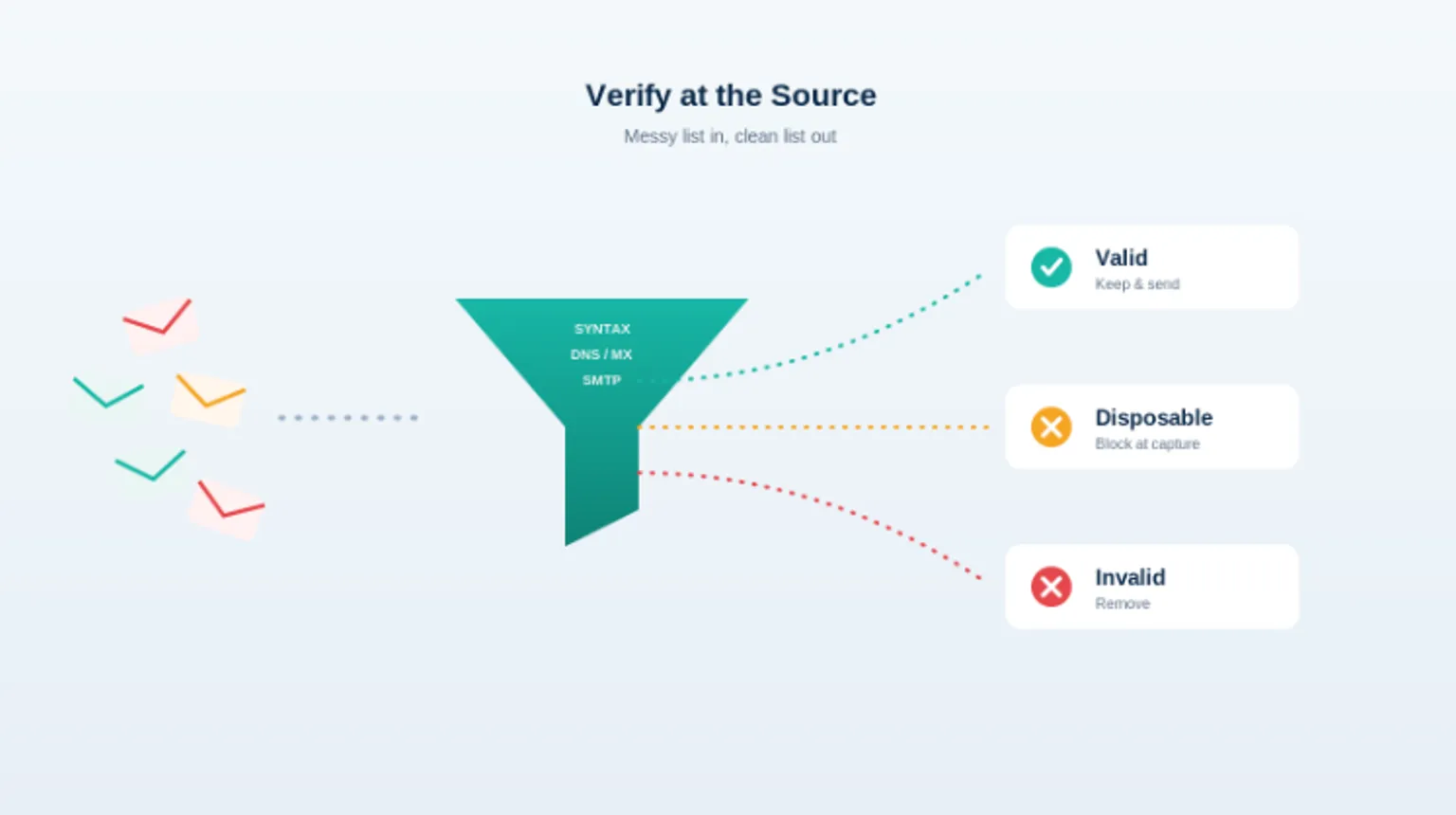
Before your next campaign, run your entire list through a bulk verification pass. A quality verifier checks each address across multiple layers, including syntax, DNS, MX records, and SMTP mailbox checks, then flags invalid, disposable, and risky addresses so you can remove them. Verifying a list before sending can drop bounces from the 5% to 10% range down to under 1%, which is the difference between throttled and trusted.
MailValid's bulk endpoint verifies thousands of addresses in a single call, which makes it practical for list cleaning and migrations rather than a one-at-a-time chore.
Step 2: Verify new emails in real time at capture
Cleaning once is not enough, because lists decay continuously. The senders who stay under 1% bounce rates verify every address at the moment it enters the system. SaaS platforms using real-time verification at signup consistently maintain bounce rates below 1%.
Real-time verification means adding a single API call to your signup form, checkout, or lead capture. With average API response under 500ms, the check runs faster than a page transition, so it validates the address without slowing down the user. You catch the typo while the user is still on the page and can fix it, you block the disposable address before it ever enters your CRM, and you keep your list clean by default instead of cleaning up after the fact.
Step 3: Keep your CRM clean on a schedule
Even verified data goes stale. Re-verify your active database on a recurring basis, quarterly at minimum for competitive sending, to catch addresses that have gone dead since you last checked. This keeps lead data accurate and stops you from paying to email people who left their jobs months ago.
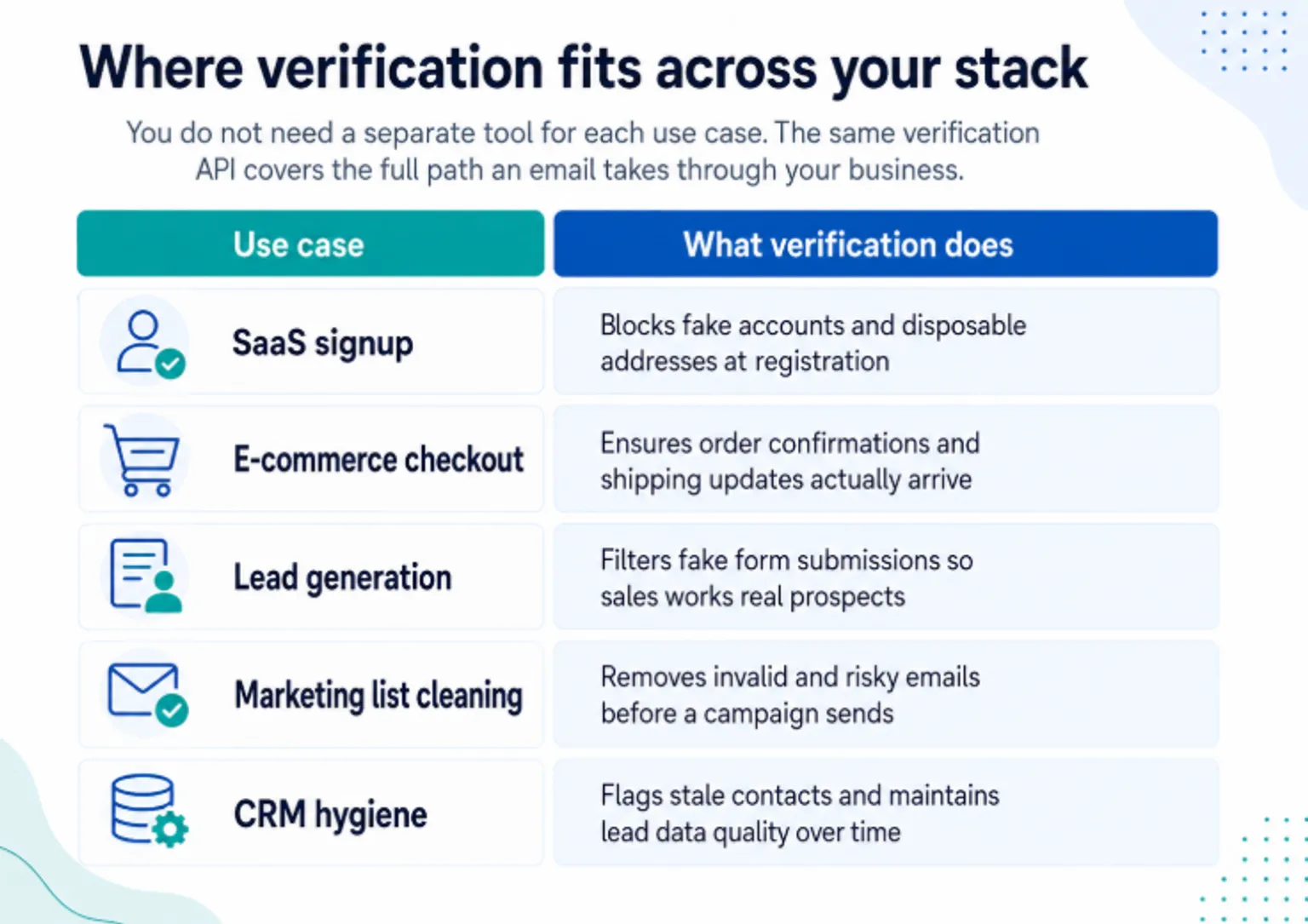
Where verification fits across your stack
You do not need a separate tool for each use case. The same verification API covers the full path an email takes through your business:
| Use case | What verification does |
|---|---|
| SaaS signup | Blocks fake accounts and disposable addresses at registration |
| E-commerce checkout | Ensures order confirmations and shipping updates actually arrive |
| Lead generation | Filters fake form submissions so sales works real prospects |
| Marketing list cleaning | Removes invalid and risky emails before a campaign sends |
| CRM hygiene | Flags stale contacts and maintains lead data quality over time |
Why developers reach for an API instead of a dashboard
List cleaning tools that only work through a web dashboard solve yesterday's problem. They clean a list you already let go bad. An API solves it at the source, inside the flow where the address is first captured. Our API-first playbook for cutting bounces shows the code. That is why teams sending at scale build verification into the pipeline:
- Sub-second responses. Average API response under 500ms keeps real-time form validation invisible to the user.
- Multi-layer accuracy. Syntax, DNS, MX record, and SMTP mailbox checks combine for a 95%+ accuracy rate.
- Credits that never expire. Pay once, use whenever, with no monthly subscription to justify.
- Clean JSON and full docs. Code examples in every major language mean you integrate in minutes, not days.
- Bulk and real-time in one API. The same service cleans a million-row list and validates a single signup.
Frequently asked questions
What is a good email bounce rate?
A good email bounce rate is under 2%, and under 1% is excellent. Selzy's 2024 benchmark research found the average sender sits at 1.98%. Once you cross 2%, mailbox providers may throttle your delivery, and above 5% you risk being blacklisted.
Does a high bounce rate really hurt sender reputation?
Yes. Mailbox providers treat hard bounces as a signal of poor list quality. A high bounce rate lowers your sender reputation, which causes even valid emails to land in spam. Organizations sending over 1 million emails monthly saw inbox placement fall by 22.35 percentage points when they did not verify their lists.
How much does email verification cost?
Email verification costs around $1.29 per 1,000 addresses checked at 100K volume. For perspective, a list of 100,000 addresses costs roughly $129 to verify, while a 4% bounce rate on that same list can waste about $400 per month in missed revenue plus the harder-to-measure reputation damage.
Can email verification reduce bounce rate?
Yes. Verifying a list before sending can drop bounce rates from 5% to 10% down to under 1%. SaaS platforms that verify addresses in real time at signup consistently maintain bounce rates below 1% because invalid and disposable addresses never enter the list.
What is the difference between bulk and real-time verification?
Bulk verification cleans an existing list in a single batch, which is ideal before a campaign or during a CRM migration. Real-time verification checks each address through an API call as it is captured at signup, checkout, or lead forms, which keeps your list clean continuously instead of letting it decay between cleanings.
The bottom line
A rising bounce rate is not a cosmetic metric. It is the leading indicator that mailbox providers are about to stop trusting you. The thresholds are public and strict: 2% invites throttling, 5% invites blacklisting, and the 2024 Google and Yahoo rules made list quality a hard requirement rather than a best practice.
The fix is cheap relative to the damage. Run a bulk verification pass on your current list to stop the bleeding, then add a real-time check at every point where you capture an address so the list stays clean on its own. At roughly $1.29 per 1,000 emails, verification costs less than a single bounced campaign.
Clean your list now and keep it clean. Run your existing list through MailValid's bulk endpoint, then drop the real-time API into your signup and checkout flows. Verify your first batch and see your bounce rate at mailvalid.io.
Sources: Verified.email bounce rate benchmark, Suped sender reputation thresholds, Mailgun on Google and Yahoo bulk sender requirements, ZeroBounce on the 2024 Google and Yahoo rules, Gartner on data quality cost, Apollo on bounce rate benchmarks.
MailValid Team
Email verification experts
Join teams that verify before they send
Stop letting bad emails hurt your deliverability
100 free credits. From $0.0008/email after. Credits never expire. No credit card required.