

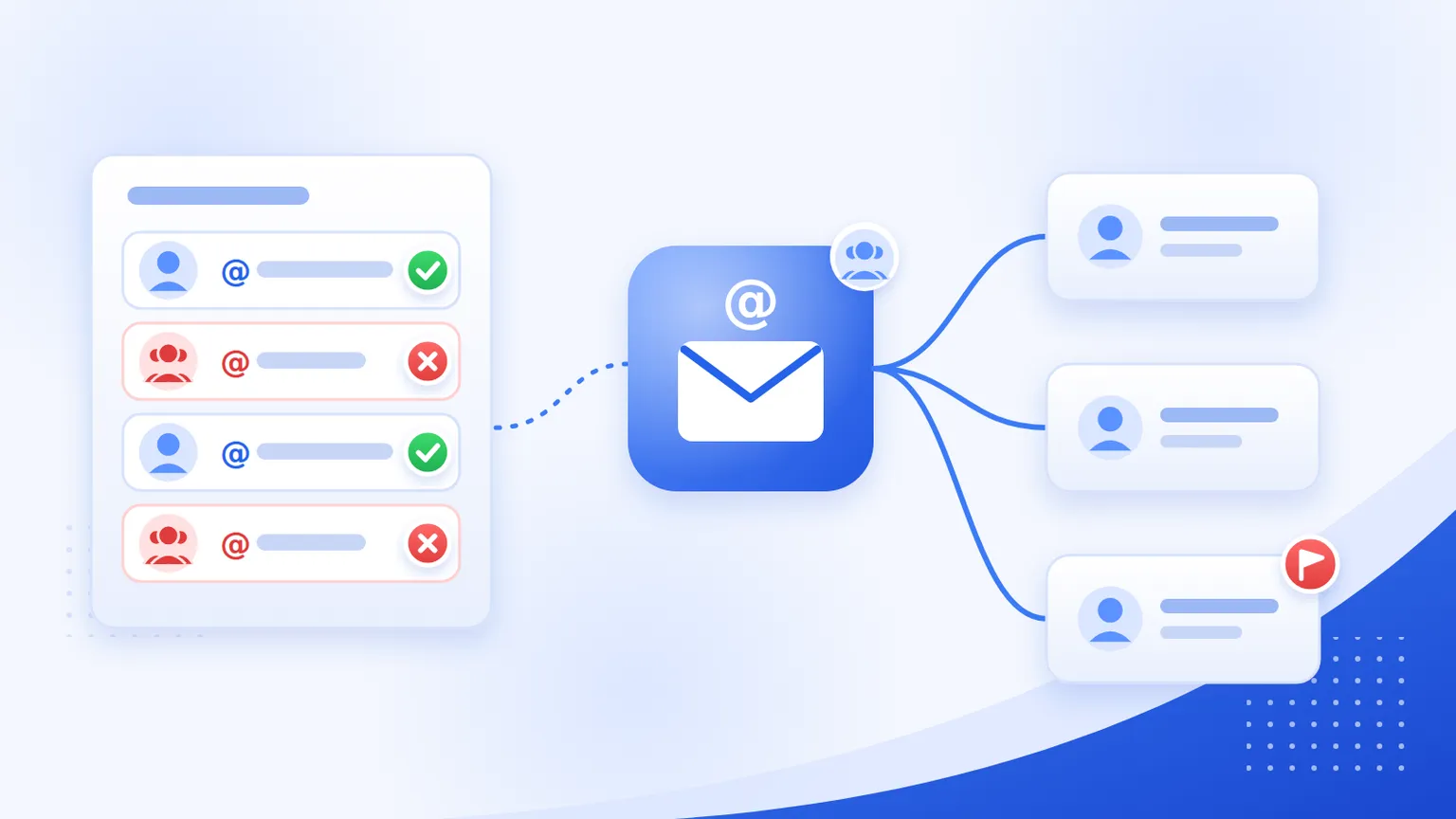
A role-based email address belongs to a job or a team, not a person: info@, sales@, support@, postmaster@. Mail sent to it may be read by one person, by a whole department, or by nobody at all.
Most email marketing platforms restrict them. But they don't agree on which ones. We compared the published block lists of Mailchimp, GetResponse and Constant Contact (checked on 16 November 2026): of the 75 prefixes that appear on at least one list, only 13 appear on all three.
This guide covers what counts as a role-based address, why platforms restrict them, exactly which ones each platform blocks, and how to find them in your own list.
What is a role-based email address?
Constant Contact's definition is a good one: an address "designed for distribution to a group of people, like a department, team, or even a whole company". Mailchimp describes them as addresses "defined by a job rather than a person" that are "often managed by several people or eventually fall into disuse".
Many of the common ones come from a 1997 standard, RFC 2142, which lists mailbox names an organisation is expected to use:
| Group | Mailbox names in RFC 2142 |
|---|---|
| Business | info, marketing, sales, support |
| Network operations | abuse, noc, security |
| Internet services | postmaster, hostmaster, usenet, news, webmaster, www, uucp, ftp |
| Mailing lists | LIST-request for every list called LIST |
Other everyday examples include admin@, billing@, hello@, contact@, team@, office@, jobs@, careers@, hr@, press@ and noreply@.
Why email platforms restrict them
The platforms give three reasons in their own help pages:
- Consent. One person can't give permission on behalf of everyone who reads a shared inbox. GetResponse says that for role addresses "mailing permission will never be valid, as it must be provided by each recipient individually".
- Complaints. Constant Contact explains that some readers of a distribution list may not know one person signed the whole list up, and one spam report from any of them counts as a complaint.
- Bounces and abandoned inboxes. Mailchimp says some of these addresses "are associated with high bounce rates and spam complaints". Addresses like
noreply@ordevnull@aren't meant to receive mail from you at all.
What each platform does
| Platform | What happens to role-based addresses |
|---|---|
| Mailchimp | Blocks 35 prefixes on import only. A role-based address can still join through your signup form, and you can add one as a single subscriber if you have express permission. Role-based addresses can't be used to open a Mailchimp account. |
| GetResponse | Excludes 44 prefixes from imports and says the list "is subject to change". It also advises against adding addresses like info@ or office@, which are not on the list. |
| Constant Contact | Never sends campaigns to 24 listed prefixes, or to any address that contains one of 8 further terms anywhere in the name (for example admin blocks listadmin@ and serviceadmin@). It also blocks @googlegroups.com, @yahoogroups.com and @craigslist.org. Other role addresses are mailed, but Constant Contact recommends unsubscribing all of them. |
| MailerLite | Rejects role-based addresses on its banned list during import. You can still add one through "Add a single subscriber". MailerLite doesn't publish the full list. |
| HubSpot | Its help page on send errors says "some role-based email addresses, such as sales@company.com, may also trigger" the error "The email address in the 'to' field failed validation". It doesn't publish a list. |
The three lists compared
For this table we took the published lists from Mailchimp, GetResponse and Constant Contact and checked where they overlap. Counts are calculated from those three pages.
| Prefixes | |
|---|---|
| Unique prefixes across all three lists | 75 |
| On all three lists | 13 |
| On exactly two lists | 10 |
| On only one list | 52 |
Blocked by all three: abuse@, admin@, ftp@, hostmaster@, noc@, no-reply@, noreply@, postmaster@, privacy@, root@, spam@, usenet@, www@.
On exactly two: devnull@, dns@, listserv@, security@, subscribe@, support@, sysadmin@, unsubscribe@, uucp@, webmaster@.
The addresses businesses actually collect are where the lists disagree most:
| Address | Mailchimp import | GetResponse import | Constant Contact sending |
|---|---|---|---|
info@ |
Not on list | Not on list (advised against) | Sends |
sales@ |
Not on list | Not on list | Blocked |
marketing@ |
Not on list | Not on list | Blocked |
support@ |
Blocked | Blocked | Sends |
billing@ |
Blocked | Not on list | Not on list |
jobs@ |
Not on list | Not on list | Blocked |
office@ |
Not on list | Not on list (advised against) | Sends |
hello@, contact@ |
Not on list | Not on list | Not on list |
So support@ gets through Constant Contact but not Mailchimp or GetResponse imports, while sales@ is the other way round. And info@, probably the most common role-based address of all, isn't on any of the three published lists.
Two practical consequences:
- Moving platforms can change your list size. An import that worked on one platform can lose addresses on another.
- "Not on the list" doesn't mean "safe to mail". The lists only cover what each platform blocks automatically. The consent problem is the same for
info@as forsales@.
Should you ever email a role-based address?
It depends on what you're sending.
- Marketing to imported lists: no. This is exactly what the platforms restrict, and the permission problem doesn't go away by picking a platform with a shorter list.
- Someone signed up with one themselves: often fine. Mailchimp lets role-based addresses join through a signup form, and a small business owner may well use
hello@as their only address. Watch engagement for these contacts. - Transactional email: usually fine. Invoices to
billing@or order updates toorders@are what those inboxes exist for. The platform restrictions above are about marketing campaigns and imports. - Cold outreach: avoid. Nobody at a shared inbox gave you permission, and you can't know who reads it.
If a role-based contact wants to keep hearing from you, Mailchimp's suggestion is a good one: ask for a personal address and update their profile.
How to find role-based addresses in your list
In a spreadsheet
Put this formula next to an email in cell A2. Edit the list of prefixes to match the platform you use (the tables above, or its help page).
=REGEXMATCH(LOWER(TRIM(A2)), "^(info|sales|support|marketing|admin|billing|office|jobs|hello|contact|noreply|no-reply|postmaster|abuse|webmaster)@")
It returns TRUE for role-based addresses. Filter on TRUE to review them.
In Python
ROLE_PREFIXES = {
    "abuse", "admin", "billing", "contact", "ftp", "hello", "hostmaster",
    "info", "jobs", "marketing", "noc", "no-reply", "noreply", "office",
    "postmaster", "privacy", "root", "sales", "security", "spam",
    "support", "usenet", "webmaster", "www",
}

def is_role_based(email: str) -> bool:
    local = email.strip().lower().rsplit("@", 1)[0]
    return local in ROLE_PREFIXES

print(is_role_based("Sales@Example.com"))  # True
print(is_role_based("jane@example.com"))   # False
This checks the exact local part. Constant Contact also blocks addresses that merely contain some terms (like admin), so if that's your platform, use any(term in local for term in ...) for those terms.
With a verification API
MailValid flags these automatically. Each result includes an is_role_based field, and the status documentation lists role_based as a reason for the do_not_mail status. You can check a single address for free with the email checker, which runs syntax, MX, disposable and role checks without signing up.
Verifying the list also catches the other problems that hurt campaigns: invalid mailboxes, disposable domains and catch-all domains. For the full routine, see our guide to keeping a newsletter list clean.
What to do with the role-based addresses you find
- Separate the ones who signed up themselves from imported or bought contacts.
- Stop marketing to the imported ones. Constant Contact recommends marking them unsubscribed rather than deleting them, so a later import can't add them back.
- Ask the self-signed-up ones for a personal address if they're engaged and you'd like to keep them.
- Keep transactional mail going to
billing@and similar addresses where the customer chose them. - Stop new ones arriving. Flag role-based addresses when someone signs up, the same way you'd check emails at signup for typos and disposable domains.
FAQ
What is a role-based email address?
An address tied to a function or team rather than a person, such as info@, sales@, support@ or postmaster@. Mail to it may be read by several people, or nobody.
What are examples of role-based email addresses?
The most common are info@, sales@, support@, admin@, billing@, marketing@, office@, contact@, hello@, jobs@, noreply@, postmaster@, abuse@ and webmaster@. RFC 2142 defines many of them as standard mailbox names.
Does Mailchimp block role-based email addresses?
Only on import. Mailchimp blocks 35 role-based prefixes, including support@, admin@ and noreply@, when you import a list. The same addresses can still subscribe through your signup form, and you can add one as a single subscriber if you have express permission.
Is info@ a role-based email address?
Yes. It's one of the business mailbox names in RFC 2142. It isn't on Mailchimp's, GetResponse's or Constant Contact's published block lists, but GetResponse advises against adding it, and Constant Contact recommends unsubscribing all role addresses.
Are role-based emails invalid?
No. Most of them receive mail normally. They're flagged because of permission and complaint risk, not because they bounce. That's why a verifier reports them separately from invalid addresses.
MailValid Team
Email verification experts
Join teams that verify before they send
Stop letting bad emails hurt your deliverability
100 free credits. From $0.0008/email after. Credits never expire. No credit card required.