
 Last updated: 31 Aug 2026
What does it mean to improve email deliverability?
Improving email deliverability means making more of your emails land in the inbox instead of spam. It is not one fix. It is a set of habits that work together over time.
Most guides explain why bounces happen. This one skips that part. You already know bad addresses hurt you. What you need is a clear plan to fix it, in order, starting today.
Here is that plan.
Step 1: Check your sender authentication first
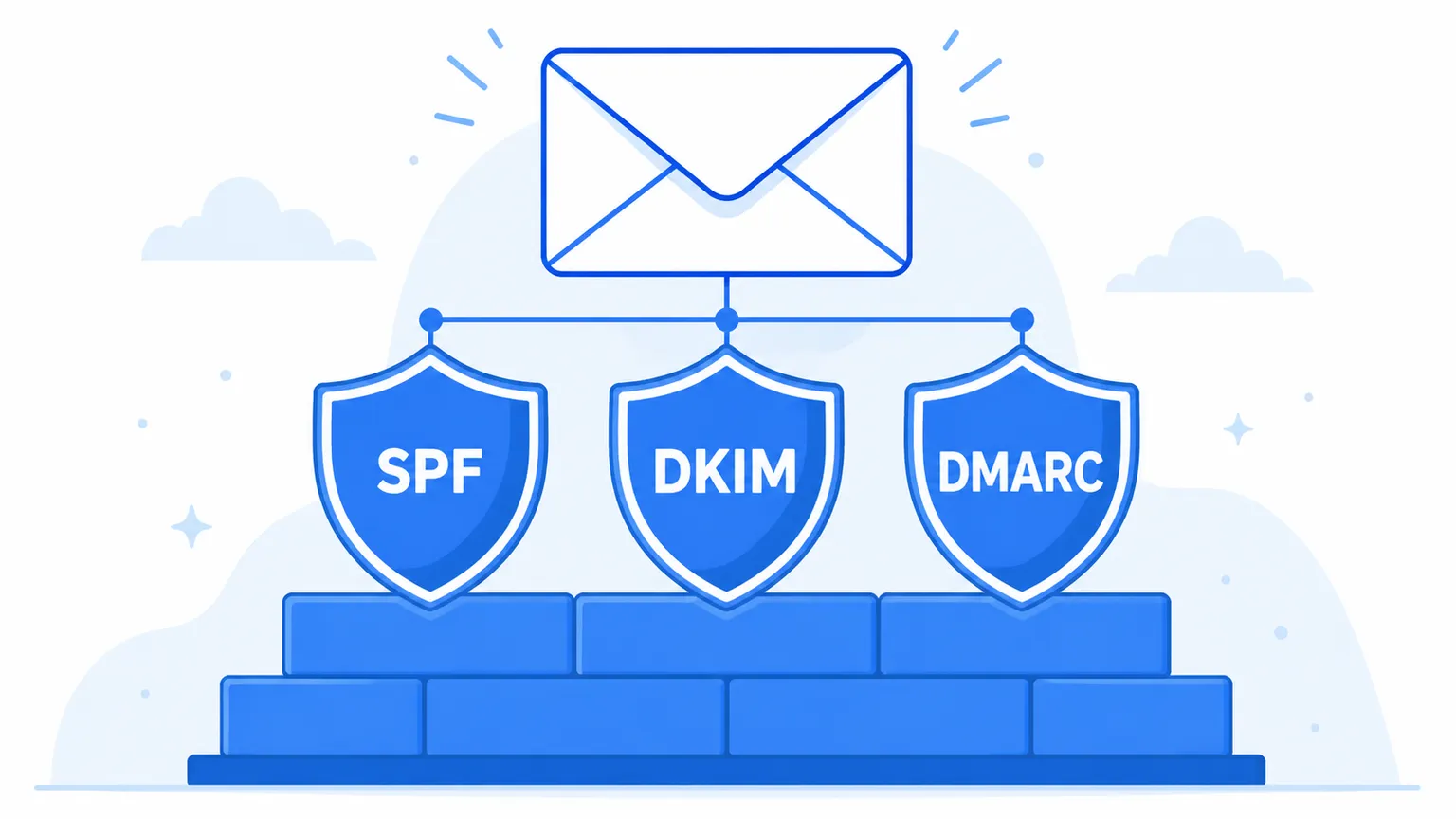 Before you touch anything else, make sure your domain passes three checks: SPF, DKIM, and DMARC. These three records tell mailbox providers that your emails are really from you, not someone pretending to be you.
If even one of these is missing or set up wrong, inbox providers may treat your emails with suspicion no matter how clean the rest of your list is. This is the foundation everything else sits on. Before changing anything, run an inbox placement and deliverability test to see where you stand.
We cover SPF, DKIM, and DMARC in full detail in our deliverability guide. If you have not set these up yet, start there first, then come back here for the rest of the plan.
Step 2: Clean your list before you send, not after
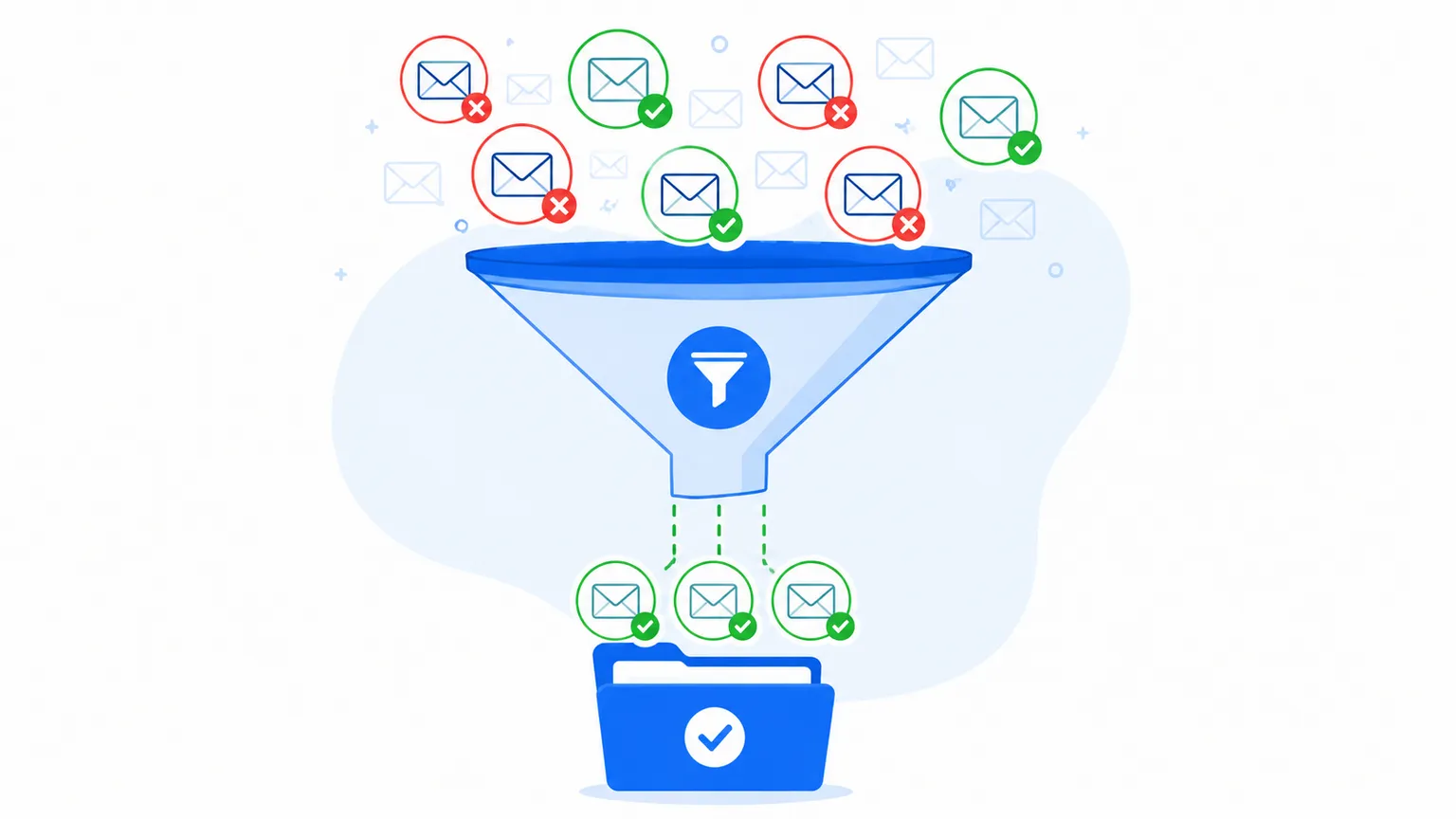 A dirty list is the fastest way to hurt your sender reputation. Old, invalid, and fake addresses do not just fail quietly. They damage how mailbox providers see every future email you send.
Here is the simple rule: verify every address before it enters your list, and check your full list again on a regular basis.
Real time checks catch problems at signup, so a bad address never gets added in the first place. Bulk checks clean up lists you already have. Both matter. A list checked once and never again slowly fills back up with dead weight as people change jobs and abandon old inboxes. Newsletter teams can borrow a proven routine for keeping subscriber lists clean.
MailValid checks every address for syntax, domain, and mailbox validity, plus flags for disposable, role based, and catch all addresses, so you know exactly what you are sending to before you hit send.
Step 3: Watch your bounce rate like a hawk
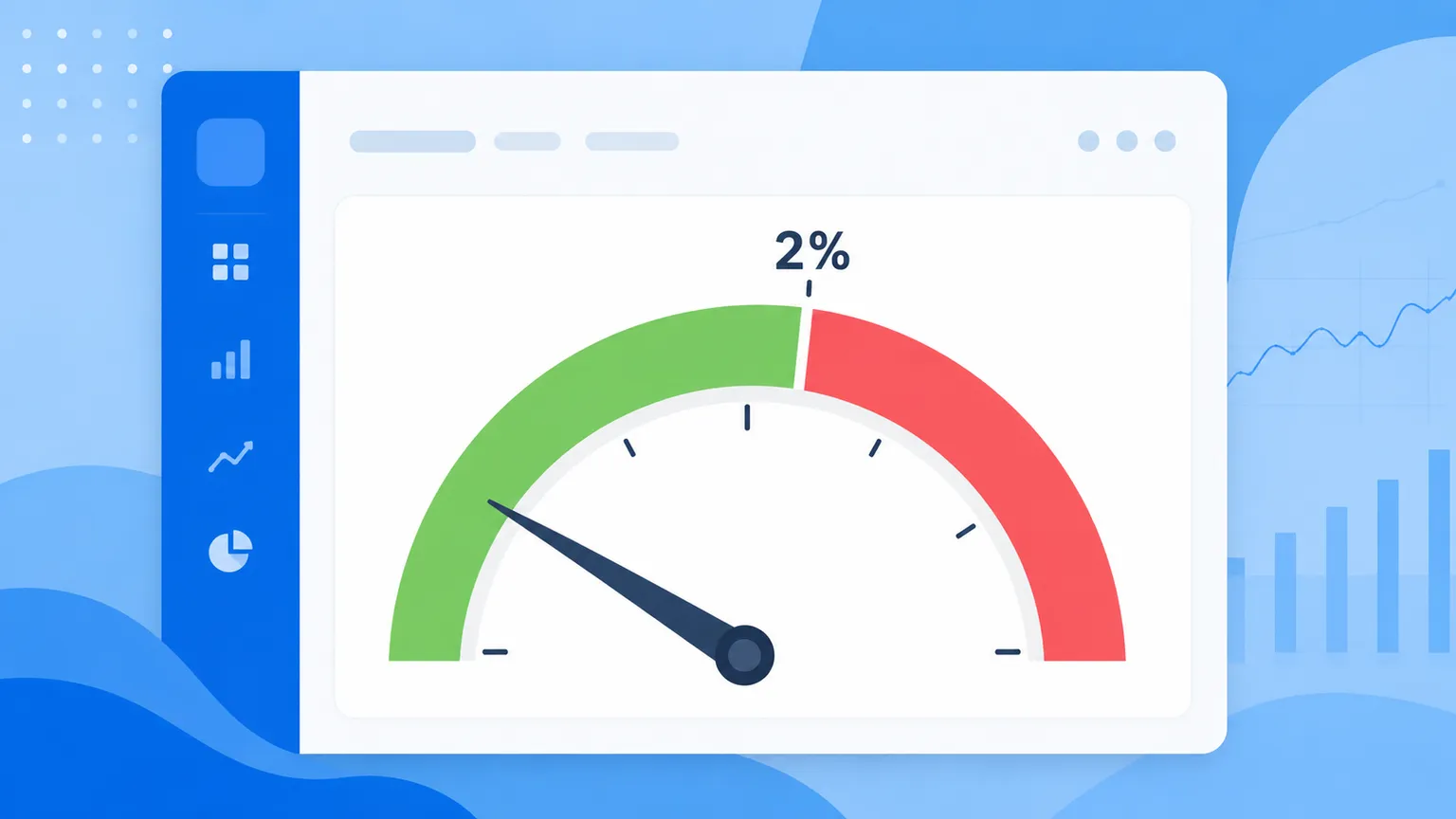 Your bounce rate is one of the clearest early warning signs you have. A rising bounce rate almost always points to a list problem, and it is one of the first things mailbox providers notice too.
Aim to keep your bounce rate under 2 percent. Above that, providers start to view your sending domain as risky, and more of your mail gets filtered before it even reaches the inbox.
If your bounce rate keeps creeping up even after cleaning your list, check for a pattern. Is it one specific source, like a purchased list or an old event sign up sheet? Fix the source, not just the symptom. For developers, here is how to cut bounces with list-cleaning APIs.
Step 4: Warm up new sending domains slowly
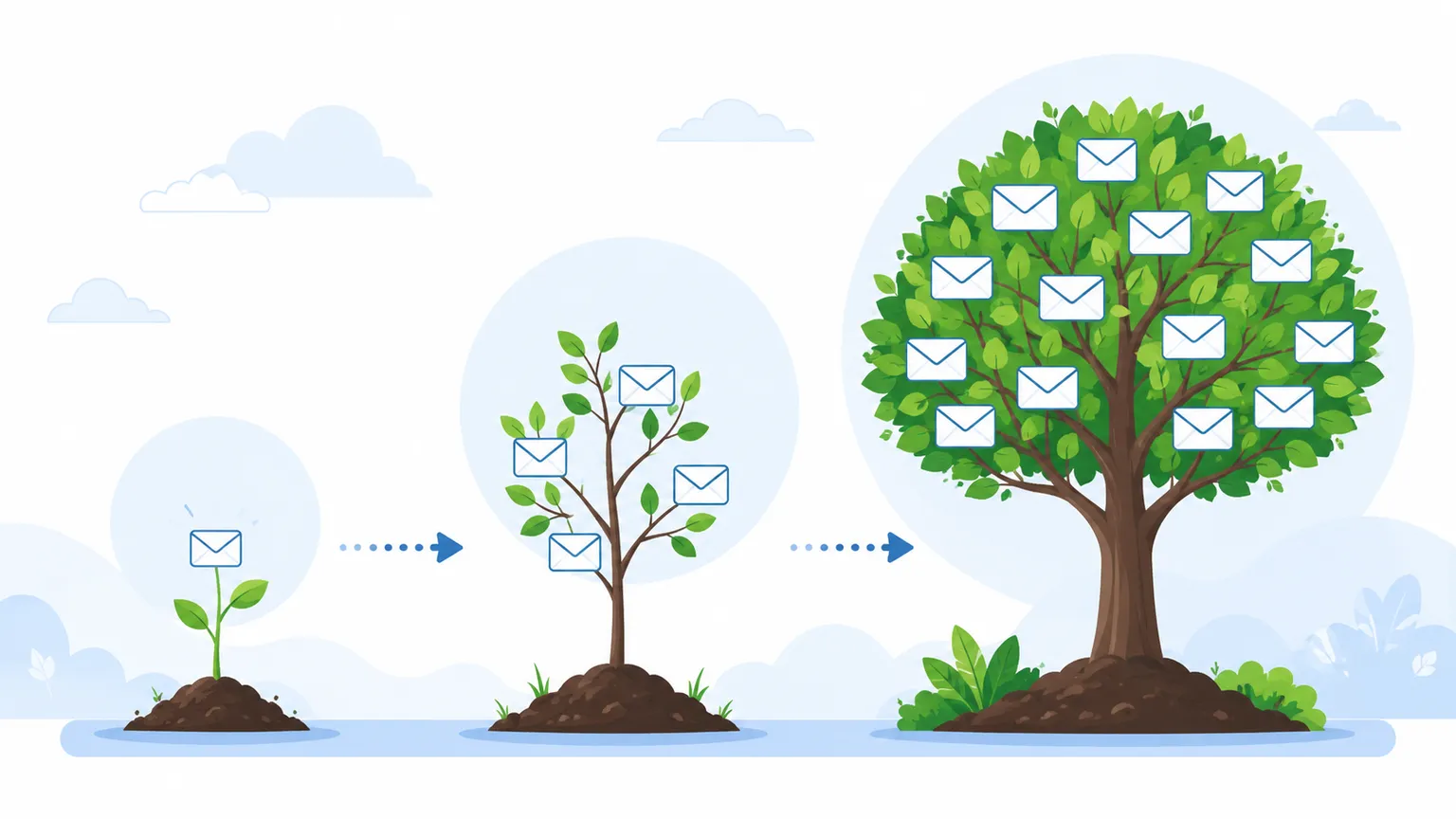 If you are sending from a brand new domain or a domain that has been quiet for a while, do not blast your full list on day one. Mailbox providers have no history with you yet, and a sudden burst of volume looks exactly like spam behavior.
Start small. Send to your most engaged contacts first, the ones who open and click regularly. Grow your volume over two to four weeks. This slow build gives providers time to see you as a normal, trustworthy sender.
Step 5: Pay attention to engagement, not just delivery
Getting an email delivered is only half the job. If nobody opens it, that still hurts you over time. Mailbox providers track how people interact with your emails, and low engagement signals that your content is not wanted.
A few habits help here: - Send to people who actually want your emails, not your entire database every time. - Remove or re engage contacts who have not opened anything in six months or more. - Write subject lines that match what is inside the email. Mismatched expectations lead to fast deletes, and fast deletes hurt you.
Step 6: Make unsubscribing easy
This sounds backward, but it works. A hard to find unsubscribe link pushes frustrated recipients to hit the spam button instead. A spam complaint hurts your reputation far more than a simple unsubscribe ever will.
Keep your unsubscribe link visible and make the process one click. Losing a subscriber who was not engaged anyway is a much smaller cost than a spam complaint on your record.
Step 7: Monitor your sender reputation over time
 Your sender reputation is basically your track record with mailbox providers. It builds up from everything above: bounce rate, spam complaints, engagement, and authentication.
Check it regularly, not just when something goes wrong. A small dip caught early is easy to fix. A reputation problem that has been building for months takes much longer to recover from. If it won't budge, compare bringing in a deliverability consulting expert with fixing it yourself.
We go deeper into how sender reputation works and how to monitor it in our technical guide to sender reputation.
Step 8: Segment before every send
Sending the same email to your entire list every time is one of the most common deliverability mistakes. Different segments of your audience behave differently, and treating them the same wastes the engagement data you already have.
Split your list by activity level at minimum. Your most engaged contacts can handle more frequent sends. Your least engaged contacts need less frequent, more targeted messages, or a re engagement campaign before you send them anything else.
Putting the plan together
Here is the order that matters most, in one place:
- Fix SPF, DKIM, and DMARC first. Nothing else works well without this foundation.
- Verify every address before it joins your list, and clean your existing list on a set schedule.
- Track your bounce rate and act fast if it rises above 2 percent.
- Warm up any new or dormant sending domain slowly.
- Watch engagement, not just delivery, and remove contacts who have gone quiet.
- Keep unsubscribing easy so people opt out instead of marking you as spam.
- Check your sender reputation on a regular schedule, not only when something breaks.
- Segment your list so each group gets the right message at the right frequency.
None of these steps alone will fix deliverability completely. Together, they build the kind of sending history that mailbox providers trust.
Frequently asked questions
How long does it take to improve email deliverability? Most teams see a noticeable change within two to four weeks of consistent effort, though full reputation recovery after a serious problem can take a few months.
What is a good bounce rate for email deliverability? Under 2 percent is considered healthy. Above 5 percent, most mailbox providers start treating your domain as risky.
Does list size affect deliverability? Not directly. A smaller, clean, engaged list will almost always outperform a larger list full of inactive or invalid addresses.
Can one bad email hurt my whole domain? A single email rarely causes lasting damage. A pattern of poor sends, high bounce rates, or frequent spam complaints over time is what actually hurts your domain's reputation.
Is email verification the same as email deliverability? No, though they are closely linked. Verification checks whether an address is real and safe to send to. Deliverability is the broader outcome, whether your emails actually reach the inbox. Clean, verified addresses are one major input into good deliverability, but authentication, engagement, and sending habits matter too.
Do I need to check my list every time I send, or just once? Ongoing checks work best. Real time verification at signup stops new bad addresses from entering your list. A periodic bulk check catches decay in contacts you already have, since people change jobs and abandon old inboxes constantly.
Want to build clean sending habits from day one? Start free with MailValid. You get 100 credits included, and no card is required.
MailValid Team
Email verification experts
Join teams that verify before they send
Stop letting bad emails hurt your deliverability
100 free credits. From $0.0008/email after. Credits never expire. No credit card required.