
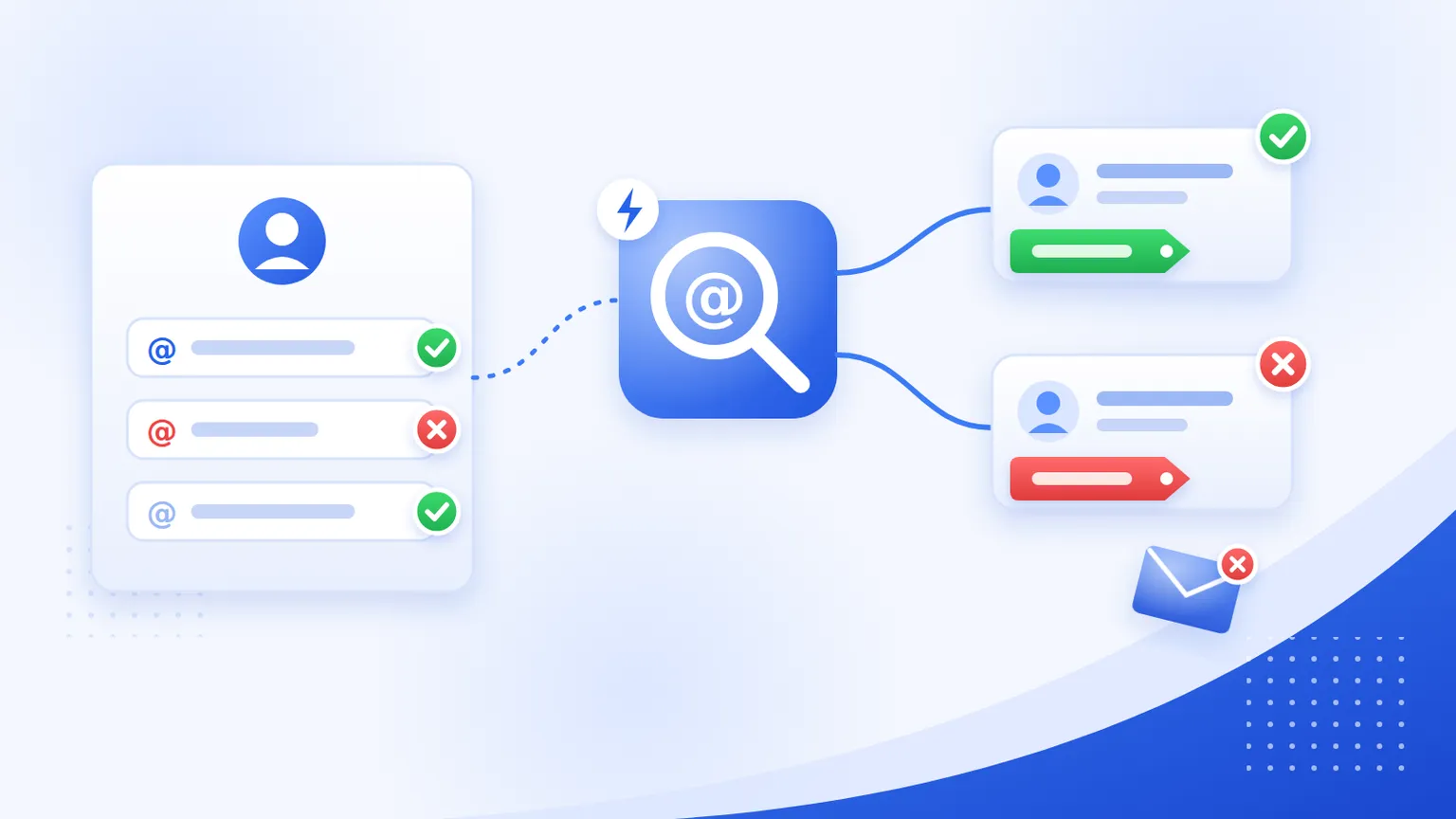
Black Friday is on 27 November. Every discount code you advertise brings a wave of new customer accounts, and some of them were never meant to receive email: throwaway inboxes created just to grab the code, and plenty of honest typos like gmial.com.
Shopify accepts all of them. Then they land in your Cyber Monday campaign, bounce or go unread, and drag down your sender reputation at the exact moment you need inbox placement most.
This guide shows how to check every new customer's email automatically with Shopify Flow, tag the bad ones, and keep them out of your holiday sends. It takes about 20 minutes to set up.
What you need
- Shopify Flow. It's a free app on the Basic, Grow, Advanced and Plus plans.
- The Send HTTP request action. Shopify says this action is only available on the Plus, Advanced and Grow plans. If you're on Basic, use the webhook option further down.
- An email verification API key. This guide uses MailValid. Any verification API with a JSON response works; you'd just change the field names in the parser step.
How the workflow works
Customer created
  → Send HTTP request (verify the email)
  → Run code (read the result)
  → Condition: invalid?     → Add customer tag "email-invalid"
  → Condition: disposable?  → Add customer tag "email-disposable"
Shopify Flow can't read fields from a JSON response directly, so a small Run code step turns the API response into two simple values Flow can check: a status and a disposable flag.
Step 1: Store your API key as a secret
In Flow, save your MailValid API key as a secret named mailvalid_key. Secrets don't show up in the workflow editor or in run logs, so the key isn't exposed to anyone who can see your workflows.
Step 2: Trigger on new customers
Create a new workflow and choose the Customer created trigger.
Step 3: Send the email to the verification API
Add a Send HTTP request action:
- Method:
POST - URL:
https://mailvalid.io/api/v1/verify/single - Headers:
Content-Type: application/jsonandX-API-Key: {{secrets.mailvalid_key}} - Body:
{"email": {{ customer.email | json }}}
The json filter quotes and escapes the address, so an unusual character can't break the request.
Under error handling, set 429 (rate limited) to Retry. Flow keeps retrying for up to 24 hours, so a busy hour on Black Friday won't lose any checks.
Step 4: Parse the result with Run code
Add a Run code action.
Input:
{
  sendHttpRequest {
    body
  }
}
Output:
type Output {
  status: String!
  disposable: Boolean!
}
Code:
export default function main(input) {
  let r = {};
  try {
    r = JSON.parse(input.sendHttpRequest.body).result || {};
  } catch (e) {
    console.log("Could not parse MailValid response", e);
  }
  return {
    status: r.status || "unknown",
    disposable: r.is_disposable === true,
  };
}
If the API returns an error page or the request fails, the parser falls back to unknown instead of crashing the workflow run. We tested it against an invalid result, a disposable result, an HTML error page and a failed response.
Step 5: Tag the bad addresses
Add two conditions:
- If
runCode.statusis equal toinvalid, Add customer tagsemail-invalid. - If
runCode.disposableis true, Add customer tagsemail-disposable.
Then exclude both tags from your Black Friday and Cyber Monday email segments.
What each result means
| Status | What it means | What to do |
|---|---|---|
valid |
The mailbox exists and accepts mail | Nothing |
invalid |
The address can't receive mail | Tag and exclude |
catch_all |
The domain accepts all mail, so the mailbox can't be confirmed | Keep, don't tag |
unknown |
The check couldn't get a definite answer | Keep, don't tag |
do_not_mail |
The check recommends not emailing this address | Add a third condition and tag it if you want to exclude these too |
Leave catch_all and unknown untagged. They aren't bad addresses; the check just can't be certain. MailValid doesn't charge credits for unknown results. If you want to understand catch-all domains better, see our guide to catch-all domain detection.
Why disposable emails deserve their own tag
Disposable addresses are often perfectly deliverable, which is exactly why a basic check misses them. When we checked all 9,963 domains on the largest open-source disposable blocklist, 78% passed the DNS check most signup forms rely on.
A disposable signup isn't always fraud. But during a sale it usually means someone wanted the discount, not your emails. Tagging them separately lets you decide later: exclude them from campaigns, limit first-order discounts, or just watch the numbers.
Bonus: catch typos on guest checkouts
Guest checkouts never create a customer account, so the workflow above never sees them. If someone types gmial.com at checkout, their order confirmation and every shipping update go nowhere, and a few days later you get a "where's my order?" ticket.
Make a second workflow:
- Trigger: Order created.
- Use the same Send HTTP request and Run code steps, with
{{ order.email | json }}in the body. - If
runCode.statusisinvalid: - Add order tags
check-email. - Send internal email to support with the order number, the email and the shipping phone number, so someone can contact the customer before the order ships.
On Shopify Basic? Use a webhook instead
Basic doesn't include Send HTTP request, so the checks have to run on a small server you control. Shopify sends a customers/create webhook, your server verifies the email and adds the tags through the Admin API.
Two rules from Shopify's webhook documentation matter here:
- Respond within five seconds. Shopify allows one second to connect and five seconds for the whole request. Queue the verification and respond straight away.
- Don't keep failing. Shopify retries a failed delivery 8 times over 4 hours. For subscriptions created through the Admin API, the subscription is deleted after 8 consecutive failures.
We published a complete, tested receiver in about 100 lines of standard-library Python on DEV: Shopify Flow + Webhooks: 8 Automations for Black Friday. It verifies Shopify's signature, skips duplicate deliveries and responds in milliseconds.
Before Black Friday: clean the customers you already have
The workflow only checks new customers. Addresses collected before you set it up are still in your list.
Export your customers, run the file through bulk verification, and exclude the invalid addresses from your holiday campaigns. Then the Flow workflow keeps the list clean from here on.
Checklist
- Create a test customer with a known bad address and read the workflow's run log.
- Confirm the
email-invalidandemail-disposabletags appear on the test customer. - Exclude both tags from every Black Friday and Cyber Monday segment.
- Set 429 errors to Retry on the HTTP action.
- Add a Workflow error occurred workflow that alerts you if anything breaks during the sale.
For the rest of your holiday sending, our 6-week holiday deliverability plan covers warm-up, authentication and send volume.
FAQ
Does Shopify verify customer emails?
Shopify checks that an address is formatted correctly, but it doesn't check whether the mailbox exists or whether the domain is a disposable email service.
Can I block disposable emails at Shopify checkout?
Not with Flow. Flow runs after a customer or order is created, so it can tag and act on them, but it can't stop the checkout itself. Tagging and excluding them from campaigns is the practical option.
Will this slow down my store?
No. Flow runs in the background after the customer is created. Shoppers never wait for the check.
Which Shopify plans support this?
Flow is on Basic, Grow, Advanced and Plus. The Send HTTP request action is only on Grow, Advanced and Plus. On Basic, use the webhook approach.
What does it cost?
Each check uses one MailValid credit, except unknown results, which are free. Try it with the free disposable email checker first, or see pricing.
MailValid Team
Email verification experts
Join teams that verify before they send
Stop letting bad emails hurt your deliverability
100 free credits. From $0.0008/email after. Credits never expire. No credit card required.