








Verify emails right inside ChatGPT
A free plugin. Type @MailValid to check an email, a list or a CSV.
100 free credits · No credit card required · Set up in about 2 minutes
 ChatGPT · MailValid
Connected in about 2 minutes
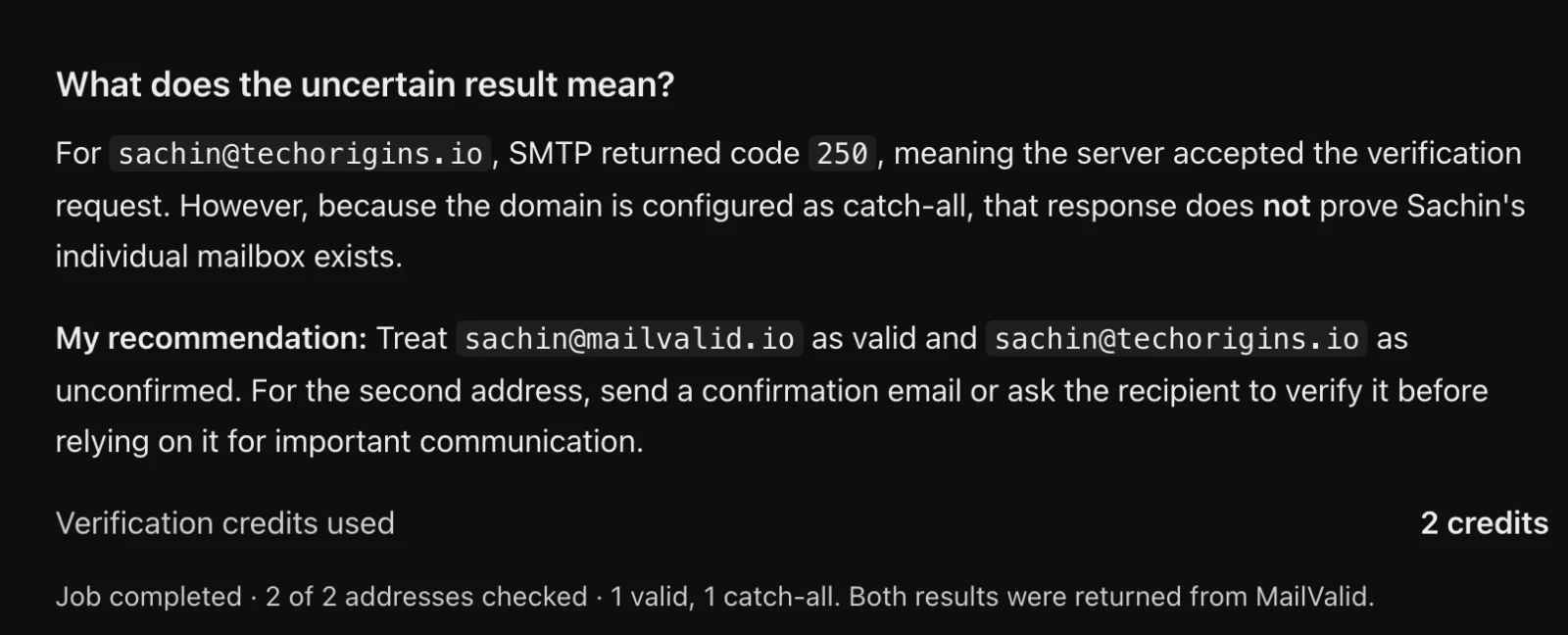
Real screenshots from ChatGPT, nothing mocked up.
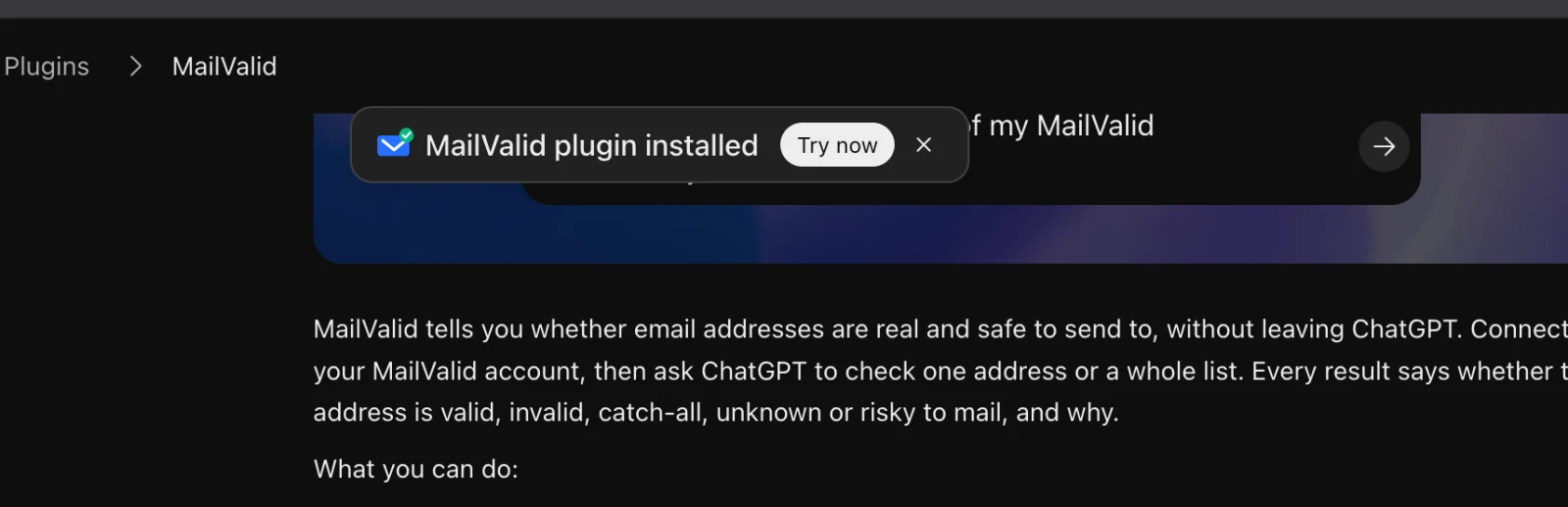
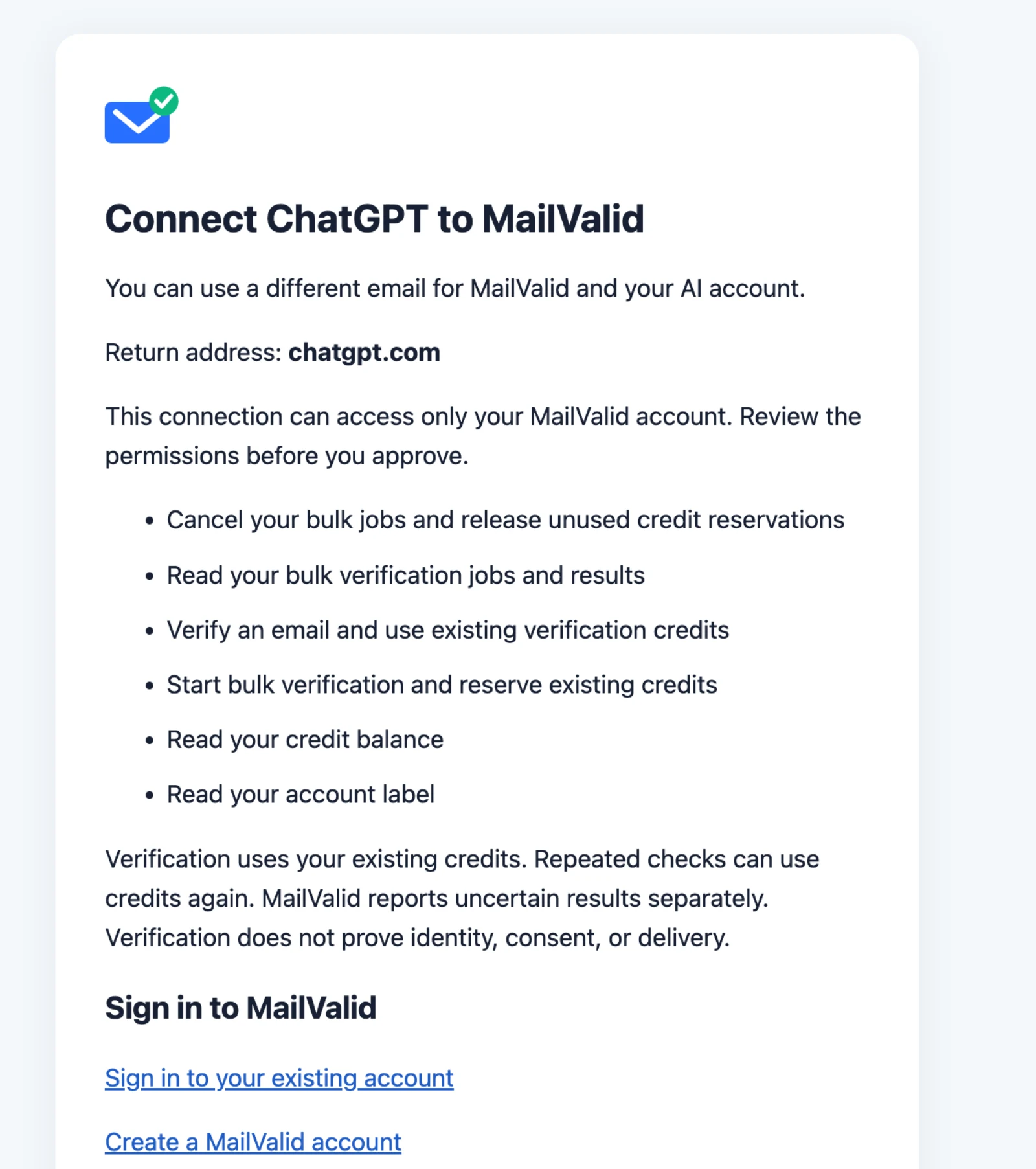
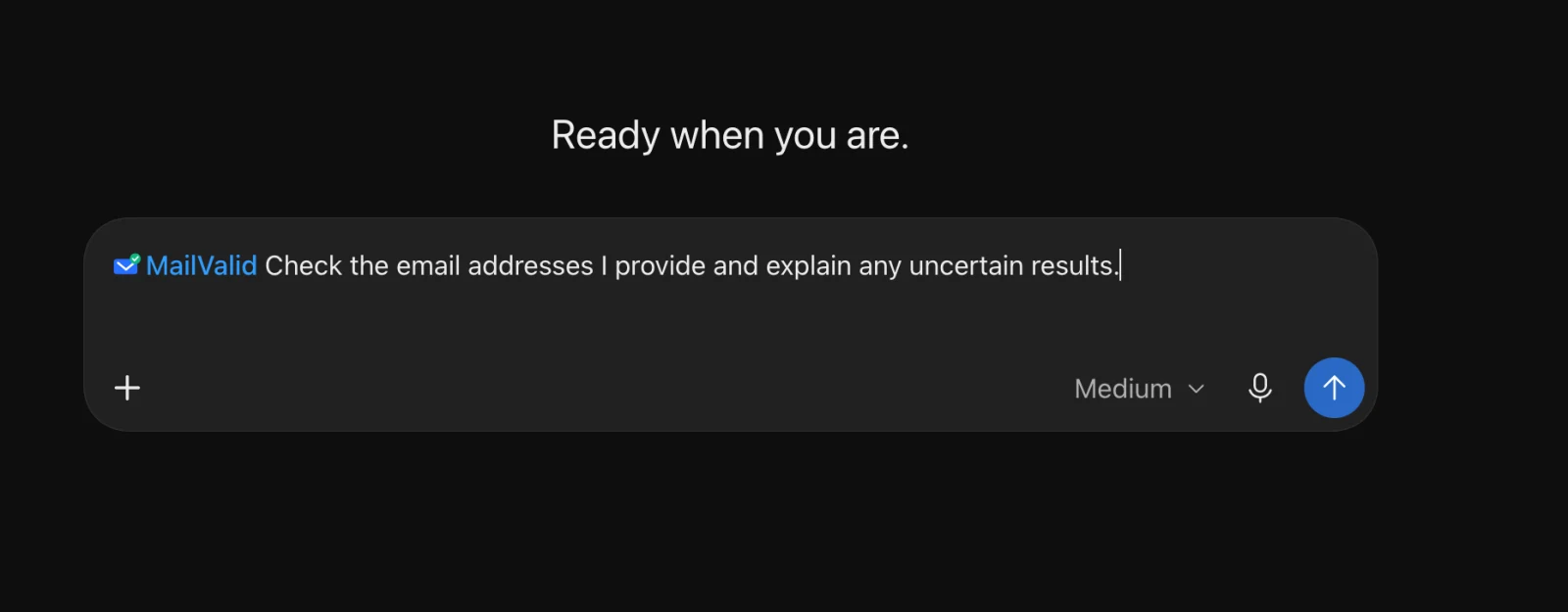
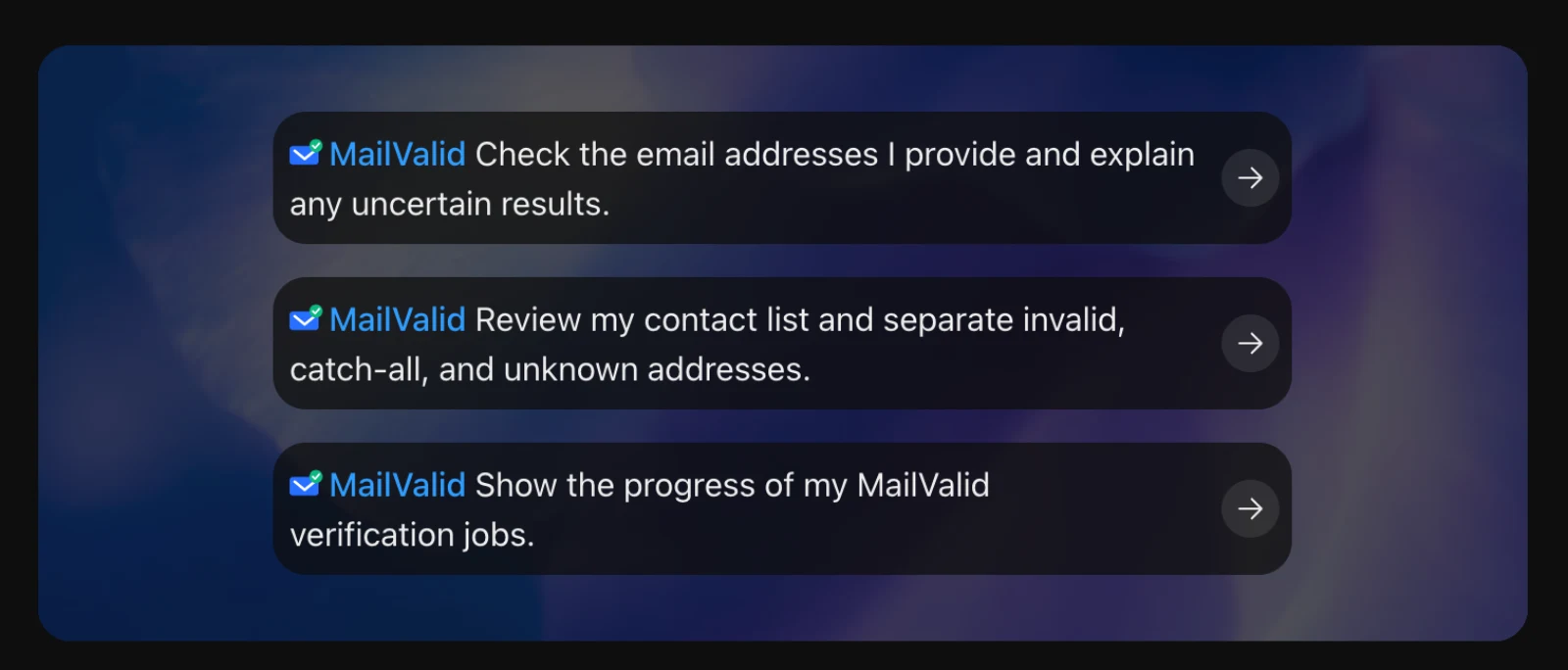
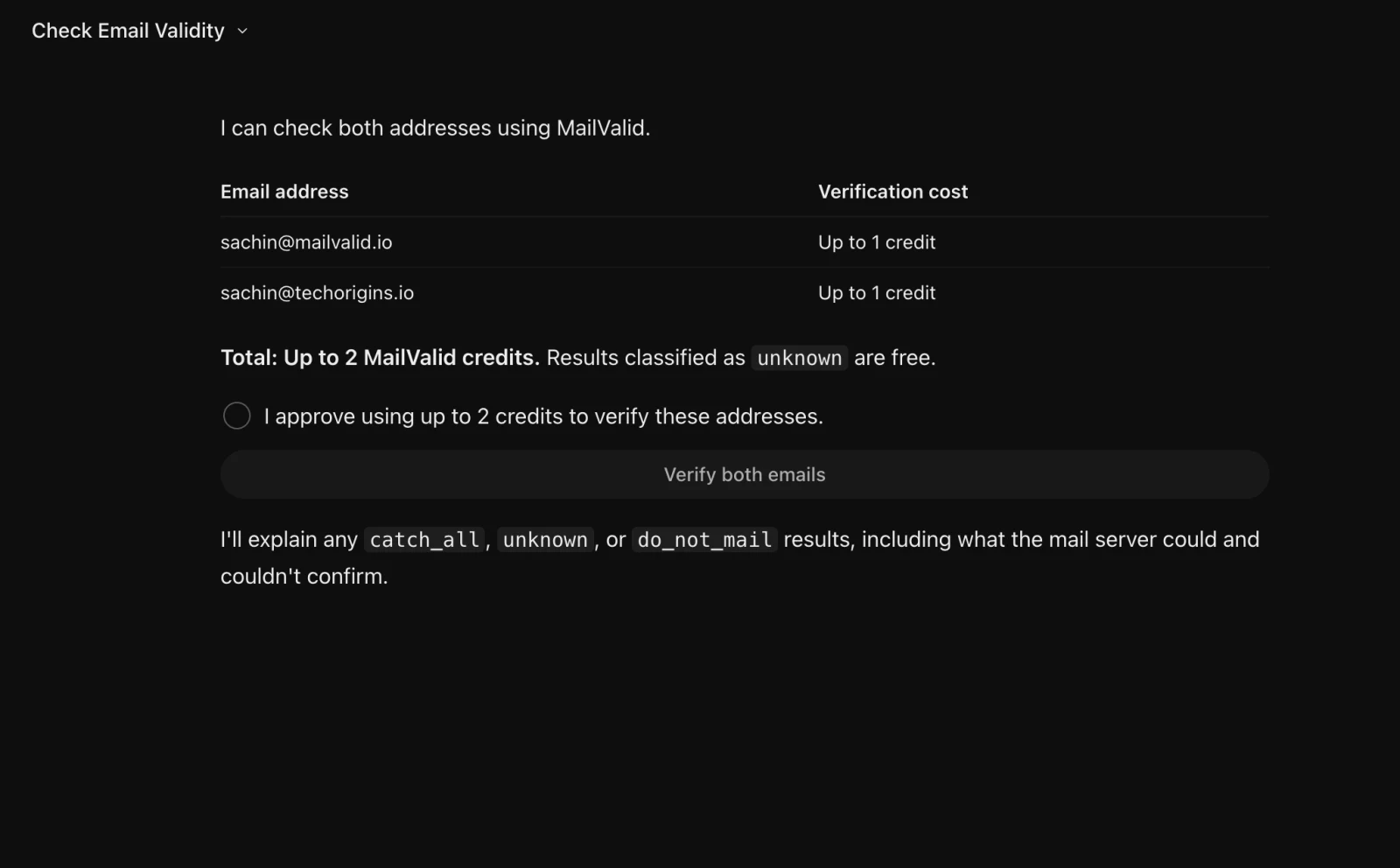
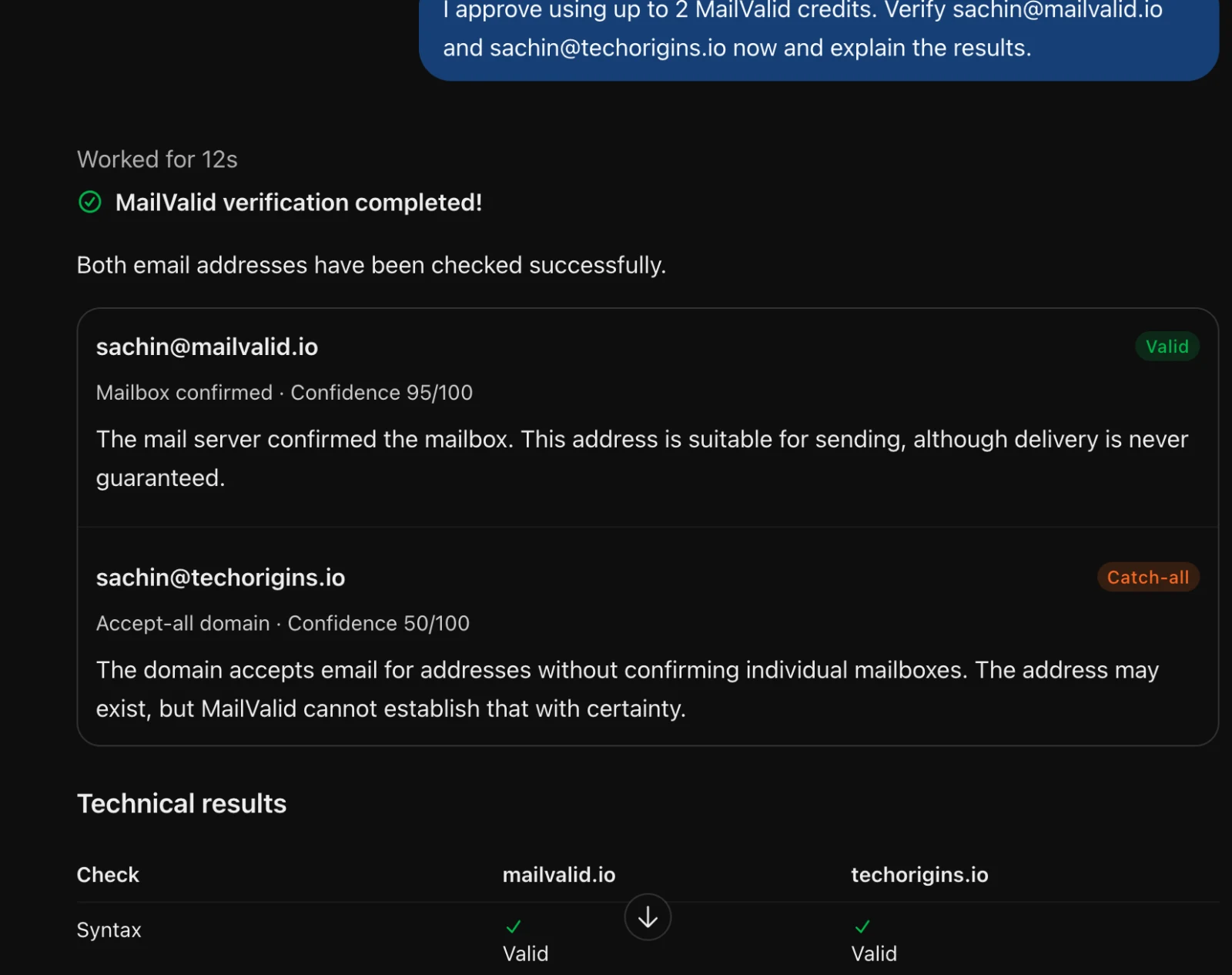
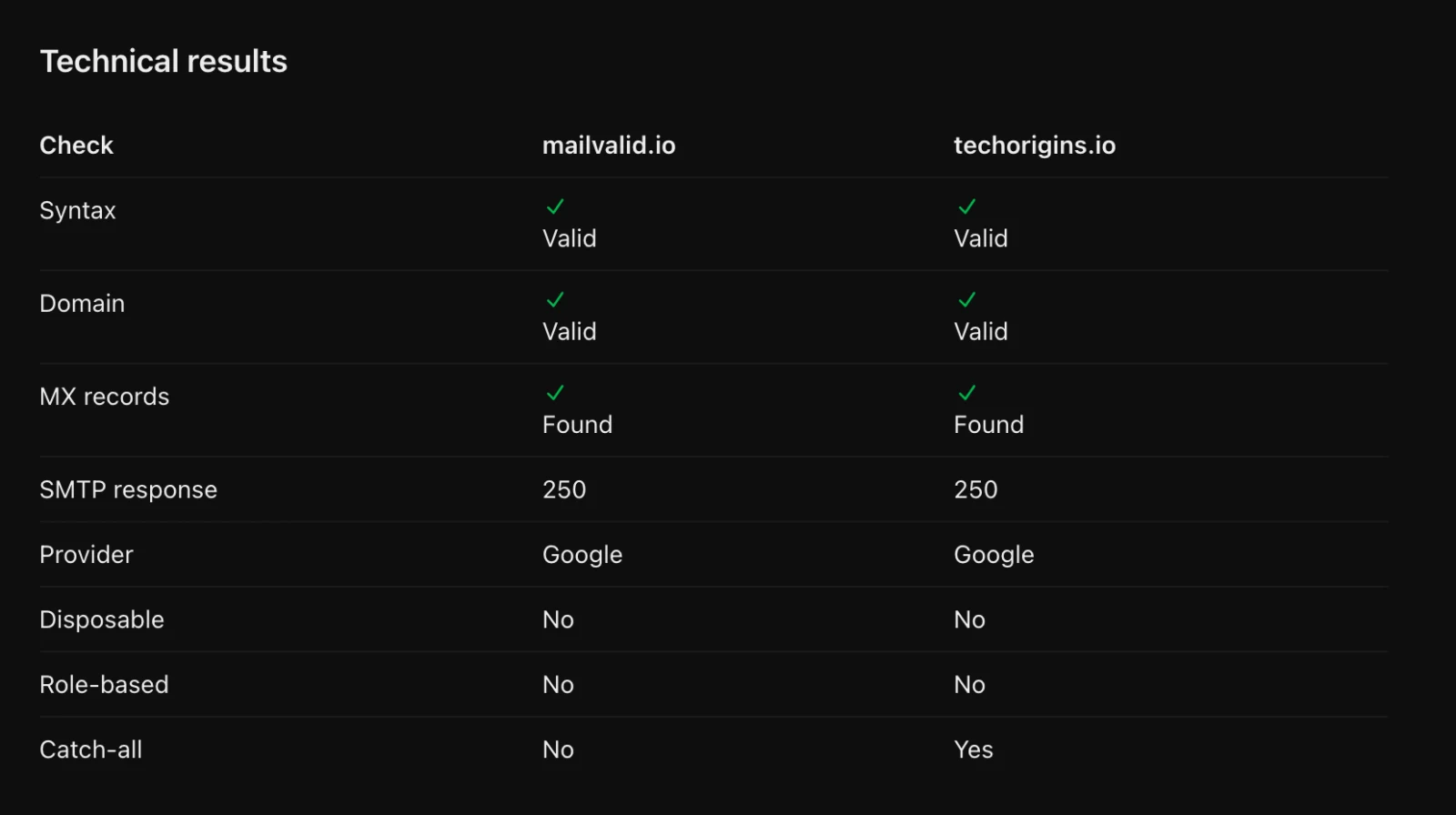
Open MailValid in the ChatGPT plugin directory and click Connect.
Everything you need to know
Every result comes with its reason, the credits used and your new balance.
- Works in
- The ChatGPT plugin directory
- Price
- Free plugin, 1 credit per email
- Free credits
- 100 on sign-up, no card
- Input
- One email, a list, or CSV / TXT
- Results
- 5 statuses, a score and the reason
- Approval
- Asks before using any credits
- Always free
- Balance, account and past jobs
- Setup time
- About 2 minutes
Questions about the ChatGPT plugin
How do I add MailValid to ChatGPT?
Open MailValid in the ChatGPT plugin directory and click Connect. Sign in to your MailValid account (or create one) and approve ChatGPT on the consent screen. Then type @MailValid in any chat followed by what you want to check. It takes about 2 minutes.
How do I check it's connected without using credits?
Ask: "@MailValid show which account is connected." Questions about your credit balance, the connected account and past jobs never use a credit.
Do I need a MailValid account?
Yes. You sign in with your MailValid account and approve access, so checks use your own credits and your bulk jobs appear in your dashboard. You can create a free account with 100 credits and no card.
What does it cost?
The plugin is free. Checks use the same MailValid credits as the API and dashboard: a definitive result (valid, invalid, catch-all or do-not-mail) costs 1 credit, and unknown results are free. Reading jobs, downloading results and checking your balance are free. Credits never expire.
What files can I upload?
CSV or TXT files with a column of email addresses. ChatGPT first shows you the address count and the most credits the job can use, and starts only after you approve. Excel sheets are not read directly, so save them as CSV first.
How many emails can I check at once?
Up to 10,000 addresses per list on any paid plan, and up to 100 on the free plan. Files can be up to 10 MB, and each address up to 320 characters.
What does MailValid store?
The same as when you use the dashboard: your account, credit history, and the lists you verify with their results, so you can download them again. MailValid never asks for your password in the chat. See the privacy policy for retention and deletion.
Add email verification to ChatGPT
Click Connect, sign in, then type @MailValid. Free account with 100 credits, no card needed.